Captions

Captions

Captions is an AI-powered video editing platform that transforms raw footage into fully edited, shareable videos. It automates tasks like cutting, adding B-roll, music, and transitions, and includes features like auto-captioning in 100+ languages, translation, AI avatar generation, and eye contact correction. The tool is designed for creators, marketers, and businesses who want to produce high-quality video content quickly without advanced editing skills. Its core capabilities include one-tap AI editing with curated styles, a chat-based editor for prompt-driven changes, and AI avatars for creating digital twins or custom actors. It also offers generative AI for creating new footage, music, and sound effects. The platform is available on mobile and web, targeting social media creators, e-commerce, educators, and professional services.

Video Generation
Visit website
Added on
Sep 21, 2026
AI video editingAI avatarsAuto captionsLip-sync translationGenerative B-rollCredit-basedMobile & Web
Product information

Everything worth knowing about Captions

The complete picture — from everyday features to the technical detail builders and IT folks dig for.

Core features

What it actually does

AI Video Editing
Upload footage and AI automatically cuts scenes, overlays B-roll, adds music, and applies a chosen style to create a fully edited, shareable video.
AI Avatars & Digital Twins
Generate digital actors or create a custom AI twin for repetitive video creation. Change outfits, backgrounds, and product inserts via prompts.
Automatic Captions & Translation
Add stylized captions in 100+ languages, generate translated subtitles, and perform AI-powered lip-sync translation.
Audio & Video Enhancement
Fix eye contact, remove background noise (denoise), trim pauses and filler words, and censor audio automatically.
Chat-Based Editor
Use simple text prompts to direct specific edits, changes, and updates to your video project.
Technical capabilities
Generative AI Tools
Create custom B-roll, royalty-free music, sound effects, images, and AI-generated video clips from prompts or scripts.
Credit-Based Usage Model
Operates on a monthly credit system for generative AI actions. Credits roll over, allowing a balance up to 3x the monthly allowance.
Must watch videos
The truth about growing as a creator | Unfiltered
33:54
Tutorial33:54
The truth about growing as a creator | Unfiltered
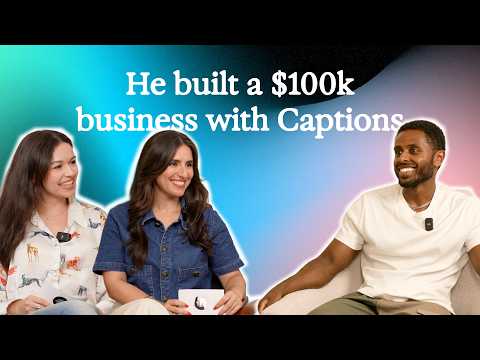
On this week's episode of Unfiltered, we're joined by Bonsa — a creator who made a promise to become your favorite influencer and has been working to prove it ever since. While balancing dental residency, he's built a thriving content business and made over $100K in the last few months. We're learning all his tips, including how he's used Captions to help him build repeatable workflows to create faster. Join us as we break down what's worked, what hasn't, and the lessons Bonsa wishes he'd known from the start. Try Captions for yourself: https://captions.onelink.me/QOoW/2h3cbt96 See more from Bonsa here: https://www.instagram.com/bonsanemera Timecodes: 0:00 - Intro 0:50 - How did Bonsa start creating content? 1:48 - Did you expect to go viral? 5:20 - How do you balance content creation alongside everything else? 8:57 - What are good time management tips? 12:26 - How do you get your ideas? 14:00 - How do you approach trends? 16:30 - Have you ever brought AI into your process? 22:21 - What advice would you give someone just starting out 24:27 - Rate my hook 33:05 - Outro
How to Turn Photos Into a Video in Minutes | Step-by-Step Tutorial
2:00
Tutorial2:00
How to Turn Photos Into a Video in Minutes | Step-by-Step Tutorial
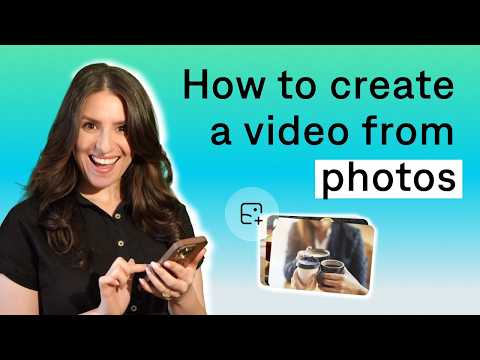
In this video, we'll show you how to turn photos into a fully edited video using AI. Whether you're working with product photos, travel pictures, or images from your camera roll, Captions can automatically generate a script, voiceover, transitions, music, and more to create a ready-to-share video in minutes. Try Captions today: https://captions.onelink.me/QOoW/sl5wlto6 Learn more here: https://captions.ai Follow Our Socials Instagram: https://www.instagram.com/getcaptionsapp TikTok: https://www.tiktok.com/@captionsapp X: https://twitter.com/trymirage LinkedIn: https://www.linkedin.com/company/trymirage _________________________________________ About Mirage At Mirage, we’re building foundation models and creative tools that redefine how videos are made. With Mirage, your best ideas instantly become videos—no cameras, no recording, no tedious editing. Our frontier AI powers both the Captions app and Mirage Studio, making it easier than ever to generate, edit, and bring expressive video to life. Whether you’re creating content for fun, work, or growth, Mirage helps you move faster and reach your goals with next-generation video creation. Any questions? Our support team is here to help! https://help.mirage.app Timecodes: 00:00 Intro 00:37 How to turn photos into a video 01:35 How to customize your video 01:50 Outro
The biggest Instagram shift nobody is talking about | Unfiltered
27:33
Tutorial27:33
The biggest Instagram shift nobody is talking about | Unfiltered
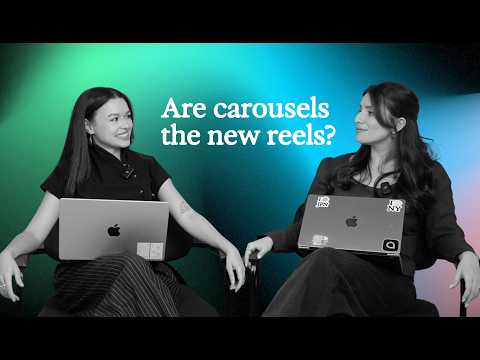
Welcome to Unfiltered, a show about the internet, the creator economy, and all the trends shaping how we create and consume content. We're Mara and Elianna. We work in content, design, and creator tech, and we'll be breaking down the biggest shifts we're seeing online, what's worth paying attention to, and what's probably overhyped. Today's topic? The rise of the Instagram carousel. While everyone has been focused on Reels, carousels have quietly become one of the best-performing formats on the platform. Engagement is up, reach is growing, and creators are starting to rethink their entire content strategy. So what's actually happening? Let's get into it. Try Captions for yourself: https://captions.onelink.me/QOoW/r2l5wphl 0:00 - Intro 0:20 - Welcome to Unfiltered 0:49 - Are carousels the new reels? 17:35 - Green flag/red flag: social media trends 27:26 - Outro

Who uses it

Real use cases, no hype
Social Media Video Creation
Produce vertical and horizontal videos optimized for TikTok, Instagram Reels, and YouTube Shorts.
Video Ad Generation
Create AI-generated video ads for marketing campaigns with custom scripts and avatars.
Talking Head & Tutorial Videos
Edit footage with AI, auto-correct eye contact, and add captions for educational content.
Podcast to Video Clips
Automatically slice long podcast episodes into post-ready, captioned video clips.
Product Demo & Listing Videos
Generate professional product showcases and real estate listing videos with AI actors.
Multilingual Content Translation
Translate and subtitle existing videos into 100+ languages with AI lip-sync.
AI Avatar & Digital Twin Content
Create custom AI actors or a digital twin to produce videos without being on camera.
What's great
  • One-click AI editing automates entire video production.
  • No editing experience required, uses simple chat prompts.
  • Generates custom AI avatars, twins, and digital actors.
  • Automatic captions, translation, and subtitles in 100+ languages.
  • Feature-rich free tier available for basic tasks.
Technical strengths
  • Proprietary style models (Elevate, Paper, Prime) for consistent edits.
  • Integrated generative AI for B-roll, music, sound effects, and voiceover.
Where it falls short
  • Core AI features locked behind a paid subscription.
  • Credit-based system can be limiting for heavy monthly use.
  • Output quality may vary based on input footage quality.
  • Pricing for Scale plans increases steeply for high-volume needs.
Technical limitations
  • Specific AI edit styles might not suit all video aesthetics.
  • Full feature parity between mobile and web not explicitly guaranteed.
For technical folks

The deep-dive specs

FAQ

Includes technical Q&A
Captions is an AI video editor that produces fully-edited videos. You can upload existing footage or generate new content using AI avatars, then finish the project with easy AI editing tools.

Traffic Insights

Monthly Visits

—

October 2026

Growth Rate

0%

vs last month

Dominance

0%

in Video Generation

Top Country

—

Top Countries Breakdown

—

Growth Trend

Stable

Traffic has remained stable.

Honest pricing

No sneaky tiers, no “contact sales”

Here's who each plan is actually for — and where the hidden charges might hit.

Free
Free

Users

    Lite
    $8.99/mo

    Users

      Pro
      $24.99/mo

      Users

        View Full Plans & Pricing on Captions

        Official pricing, checkout, and plan upgrades are handled directly on captions.ai.

        Reviews

        What the internet actually thinks

        Data refreshed weekly. No paid placements.

        Trustpilot
        Not reviewed yet
        G2
        G2
        Not reviewed yet
        C
        Capterra
        Not reviewed yet
        Product Hunt
        Not reviewed yet
        COMMUNITY COMMENTS

        Leave a Comment

        Help others make informed decisions. Your honest feedback shapes the community's understanding of this tool.

        Tips for commenting

        • •Be specific about features you used
        • •Share real use cases and results
        • •Mention both pros and cons
        • •Keep it honest and constructive
        to leave a comment

        Your comment is published immediately.

        Filter:
        Sort:

        No comments yet

        Be the first to share your experience with this tool.

        Alternatives

        Not quite the right fit?

        Here's what else is out there.