PixVerse

PixVerse

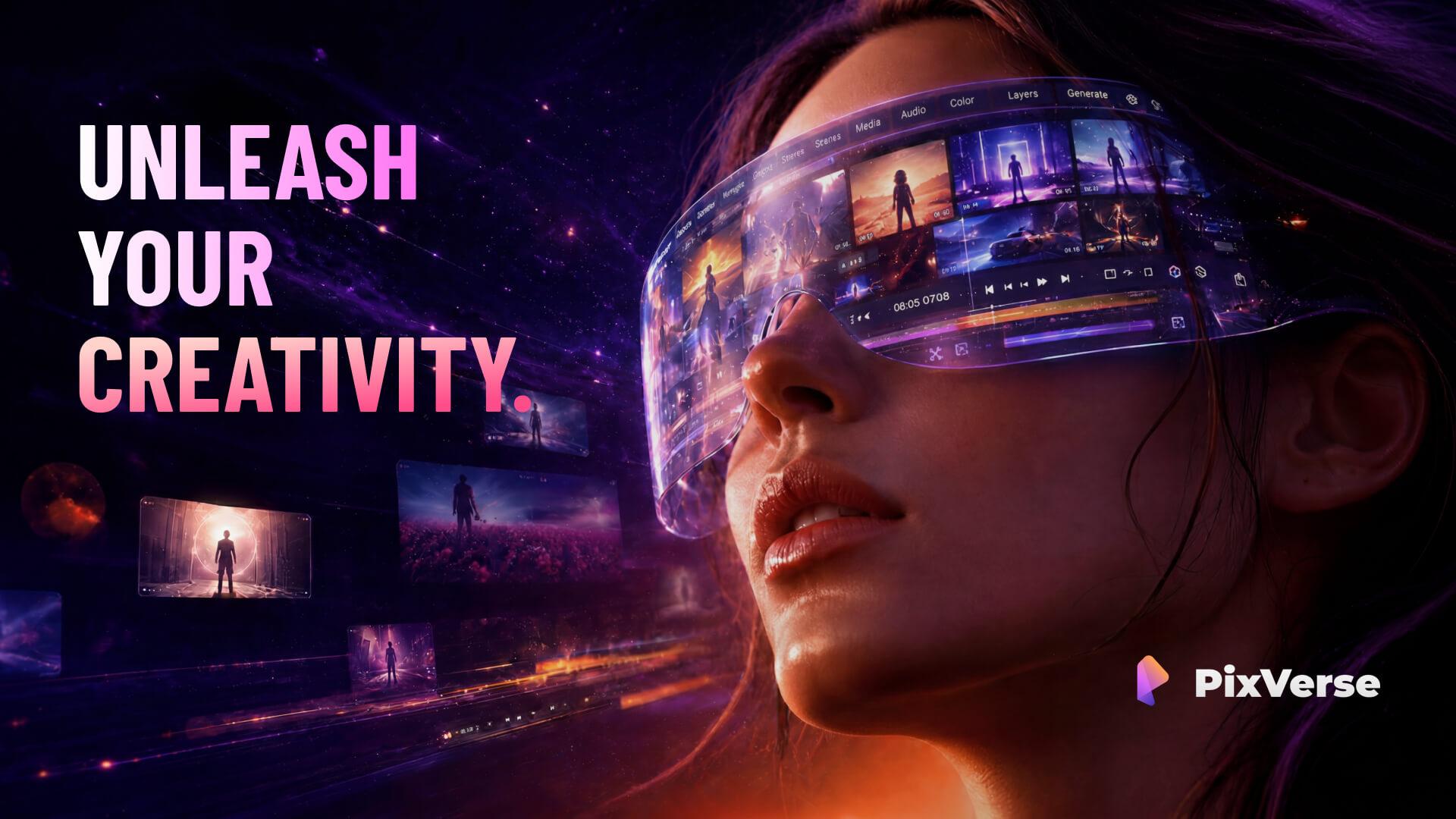
PixVerse is a comprehensive AI video generation platform powered by fully proprietary foundation models (e.g., PixVerse V6, Seedance 2.5). It provides a full stack for creators and enterprises, including text-to-video, image-to-video, video templates, lip-sync/audio, and advanced cinematic control. The platform offers multiple interfaces: a web app, a conversational Agent, a node-based Canvas for complex workflows, a CLI for developers, and a Marketing Hub for ad-focused video creation. Built for scalability and production reliability, PixVerse serves over 100 million users across 175+ countries. It emphasizes high-quality 1080p output, fast generation (as low as 5 seconds), and strong prompt adherence, with a particular strength in anime/animation styles. The API platform is designed for developers to integrate these capabilities into their own applications.

Video Generation
Visit website
Added on
Sep 19, 2026
Monthly Visits
10.4M
Text-to-VideoImage-to-VideoLip-Sync Audio1080p OutputAPI PlatformCLI Tool
Product information

Everything worth knowing about PixVerse

The complete picture — from everyday features to the technical detail builders and IT folks dig for.

Core features

What it actually does

Text-to-Video Generation
Convert text prompts directly into video content.
Image-to-Video Generation
Animate a reference image into a video sequence.
Lip-Sync & Audio
Synchronize character speech and add sound effects to generated videos.
Marketing Hub
Guided workflows for creating marketing-ready short videos.
Canvas Node-Based Workflow
Plan and iterate complex AI video production using a visual node graph.
Technical capabilities
CLI & API Integration
Generate videos and manage workflows via command line or direct API calls.
Proprietary Foundation Models
Utilizes in-house developed video models like PixVerse V6 and Seedance for high-fidelity output.
Must watch videos
PixVerse AI Tutorial - 2026 | How to Generate Multi-Shot AI Videos With Sound Using PixVerse V5.6
9:57
Tutorial9:57
PixVerse AI Tutorial - 2026 | How to Generate Multi-Shot AI Videos With Sound Using PixVerse V5.6
🔥 (Discount Link) Try @PixVerse_Official Now: https://tinyurl.com/ttPixVerseAI Use code *S5PV7Q3V* Discover how cinematic AI video is evolving in this PixVerse AI Tutorial. We dive into How to use PixVerse V5.6, showcasing its ability to generate synced dialogue, music, and dynamic multi-shot sequences from a single prompt. See how it transforms short-form video with realistic soundscapes, smooth camera transitions, and character movement that feels truly intentional. ⏱️CHAPTERS: 0:00 How to Use PixVerse V5.6 0:40 PixVerse V5.6 Tutorial 8:46 Is PixVerse V5.6 Worth It? Note: Some links are affiliate links that help the channel at no cost to you. This video was sponsored by PixVerse. #ad #pixverse #pixverseai
PixVerse 4.0 Review – The Future of AI Video Generation?
15:39
Review15:39
PixVerse 4.0 Review – The Future of AI Video Generation?
PixVerse 4.0 is here! In this tutorial, I’ll show you how to use the latest version of @PixVerse to create high-quality AI-generated videos with ease. We’ll explore its top features, including: ✅ Lip Sync: Bring characters to life with accurate AI-driven lip syncing. ✅ AI-Generated Sound Effects: Add dynamic sound effects automatically to enhance your videos. ✅ Restyle: Transform and refine your videos effortlessly with advanced AI tools. I’ll also compare PixVerse 4.0 to other AI video generation tools to see how it stacks up, and give you a step-by-step walkthrough so you can start creating stunning videos today! 👉Try PixVerse: https://app.pixverse.ai 📢 This video is sponsored by PixVerse. — — — — — — — — — — TOPICS + TIMESTAMPS 0:00 Intro 1:12 Getting Started 2:09 Dashboard Overview 3:39 Lip Sync & Sound Effects 12:11 Restyle Videos 14:05 Pricing & Plans 14:40 Final Thoughts — — — — — — — — — — 🤝 CONNECT WITH BLOG WITH BEN Instagram: https://www.instagram.com/blogwithben Facebook: https://www.facebook.com/blogwithben X: https://www.twitter.com/blogwithben Website: https://www.blogwithben.com 🔔 Don't forget to subscribe to my channel for more tutorials, tips, and tricks! Also, hit the like button if you found this tutorial helpful, and leave a comment if you have any questions or suggestions. 🙏 Thanks for watching! #PixVerse #PixVerseAI #PixVerseV4 All music used in this video was created by Ben Cummings using Suno. I have Commercial Use rights.
PixVerse AI Review: Is It Better Than Kling AI?
2:30
Review2:30
PixVerse AI Review: Is It Better Than Kling AI?
Is PixVerse AI better than Kling AI? In this honest PixVerse AI Review, we test PixVerse AI for text-to-video quality, speed, and creative features. Learn how to use PixVerse AI with this beginner-friendly PixVerse AI tutorial, explore PixVerse AI V5 features, tips, and demos, and see if PixVerse AI is the best AI video generator for creators in 2026. 🔥 FREE AI Video Generators ➤ https://www.youtube.com/playlist?list=PLH_au6JCTnQk 🔥 SUBSCRIBE FOR MORE ➤ https://bit.ly/3bH9DT0 ---------------------------------------------- Connect with me on:- E-mail: creativessuman@gmail.com --------------------------------------------- FAIR USE DISCLAIMER: All materials in these videos are used for educational purposes and fall within the guidelines of fair use. No copyright infringement intended. If you are or represent the copyright owner of materials used in this video and have a problem with the use of said material, please send me an email, creativessuman@gmail.com.

Who uses it

Real use cases, no hype
AI Video Generation
Create high-quality videos from text prompts or reference images for content creation.
Marketing Content
Use templates and effects to quickly produce promotional videos and ad creatives.
Animation & Stylized Content
Generate anime or stylized animation clips with strong prompt adherence.
Interactive Experiences
Build interactive video experiences and games using the real-time world models.
Automated Video Workflows
Integrate the API or CLI into automated pipelines for scalable video production.
Lip-Sync & Voice-Driven Video
Synchronize speech with video generation for narration or character animation.
Creative Experimentation
Explore trending effects, modify existing videos, and prototype ideas rapidly.
What's great
  • Full-stack platform: text/image-to-video, templates, effects, CLI, and API.
  • Extremely fast generation speed, averaging ~10 seconds.
  • Strong prompt adherence, especially for stylized content like anime.
  • Trusted by major companies and used by 100M+ creators globally.
Technical strengths
  • Industry-leading video quality with proprietary models (e.g., V6, Seedance).
  • Rich feature set includes lip-sync, motion control, multi-transition, and video modification.
  • Production-ready API with clear documentation and webhook integration.
Where it falls short
  • Advanced features (e.g., fusion, mimic) may have a steep learning curve.
  • Creative control can feel limited when aiming for very specific, non-trending outputs.
  • Documentation, while comprehensive, is dense and could be better organized.
Technical limitations
  • API pricing can be complex with per-minute and credit-based models.
  • Web-based editor (Canvas) is powerful but can be slower for complex node workflows.
For technical folks

The deep-dive specs

Max Resolution
1080P
Generation Speed
Average 10 seconds (as fast as 5)
Model Versions
V6, V5.6, V5.5, V5, V4.5, Real-Time Engine
Input Modalities
Text, Image, Audio, Video
Architecture
Proprietary multimodal transformer
ELO Score (V6)
1,343 (Artificial Analysis leaderboard)

FAQ

Includes technical Q&A
You can get an API key by signing up on the platform at platform.pixverse.ai, then navigating to the API keys section in your dashboard to create and manage your credentials.

Traffic Insights

Monthly Visits

10.4M

November 2026

Growth Rate

-11,3%

vs last month

Dominance

0%

in Video Generation

Top Country

Bangladesh

23% of traffic

Top Countries Breakdown

Bangladesh
23%
India
10%
United States
10%
Brazil
5%
Indonesia
5%

Growth Trend

Declining

Traffic has decreased compared to last month.

Honest pricing

No sneaky tiers, no “contact sales”

Here's who each plan is actually for — and where the hidden charges might hit.

Free
Free

Users

    Standard
    $10/mo

    Users

      Pro
      $30/mo

      Users

        Premium
        $60/mo

        Users

          View Full Plans & Pricing on PixVerse

          Official pricing, checkout, and plan upgrades are handled directly on pixverse.ai.

          Reviews

          What the internet actually thinks

          Data refreshed weekly. No paid placements.

          Trustpilot
          Not reviewed yet
          G2
          G2
          Not reviewed yet
          C
          Capterra
          Not reviewed yet
          Product Hunt
          Not reviewed yet
          COMMUNITY COMMENTS

          Leave a Comment

          Help others make informed decisions. Your honest feedback shapes the community's understanding of this tool.

          Tips for commenting

          • •Be specific about features you used
          • •Share real use cases and results
          • •Mention both pros and cons
          • •Keep it honest and constructive
          to leave a comment

          Your comment is published immediately.

          Filter:
          Sort:

          No comments yet

          Be the first to share your experience with this tool.

          Alternatives

          Not quite the right fit?

          Here's what else is out there.

          Detail tags
          Found via these searches
          #AIVideo#VideoGeneration#GenerativeAI#TextToVideo#ImageToVideo#VideoEditing#CreatorTool